teachucomp
Photoshop Elements 2026 Quick Reference Guide
Photoshop Elements 2026 Quick Reference Guide
Couldn't load pickup availability
| Subject: | Photoshop Elements |
|---|---|
| Version: | 2026 |
| Level: | Introductory |
| Topics Covered: | 30 |
| Pages: | 2 |
| Dimensions: | 8.5 x 11" |
| Availability: | Printed & Laminated |
| ISBN: | 978-1-958446-43-0 |
Product Description:
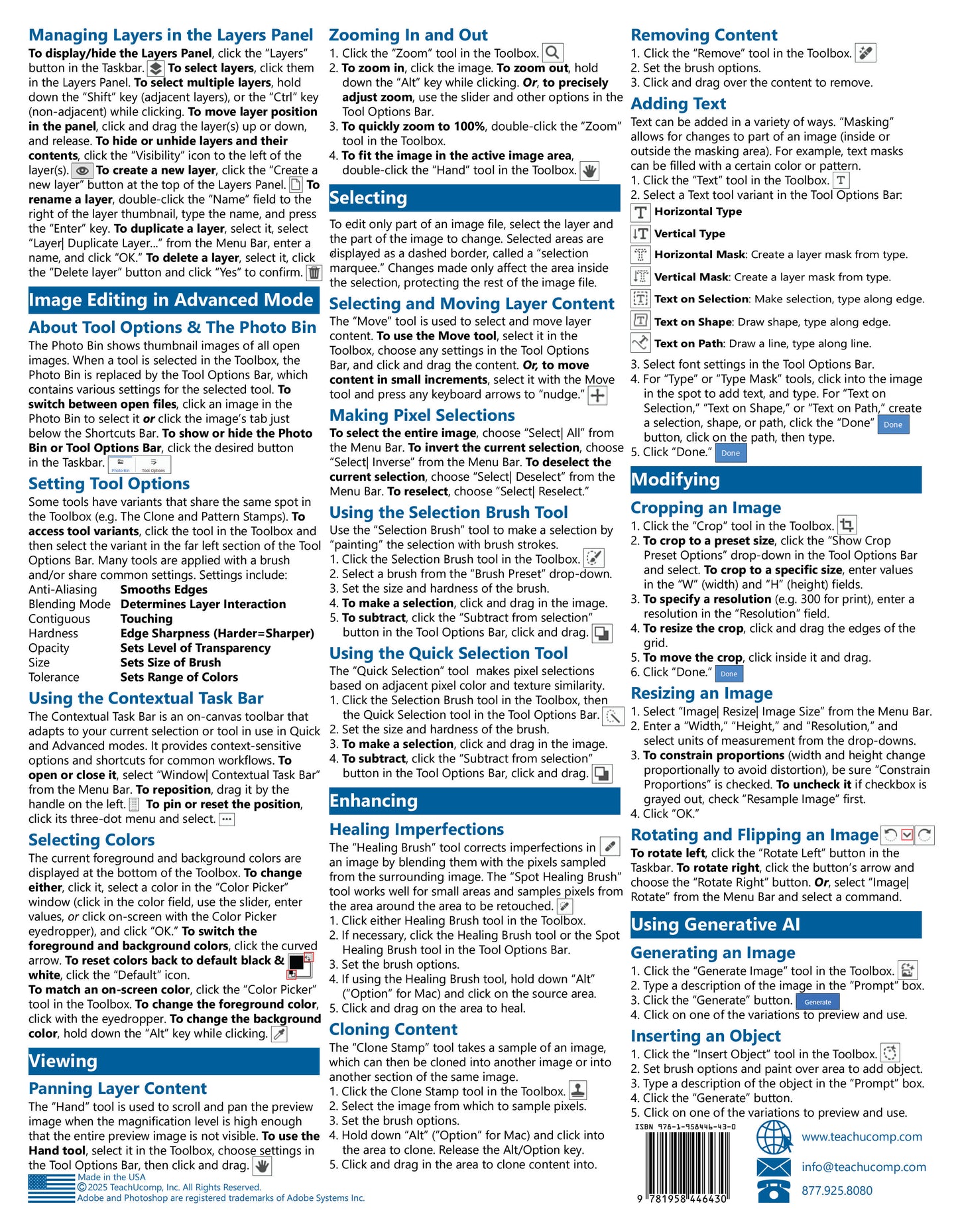
Designed with the busy professional in mind, this two-page quick reference guide provides step-by-step instructions in the basic features of Adobe Photoshop Elements 2026. When you need an answer fast, you will find it right at your fingertips. Clear and easy-to-use, quick reference cards are perfect for individuals, businesses and as supplemental training materials. With 30 topics covered, this guide is ideal for someone new to Photoshop Elements. Printed and laminated for durability and long-lasting use.
Topics Covered:
Interface Basics
Understanding and Launching the Application
Application Basics
Switching Between the Organizer, the Photo Editor and Edit Modes
Making Adjustments in Quick Mode
Using Guided Edit Mode
The Organizer
Importing Images
Viewing Images
Sorting, Renaming, & Finding Files
Opening a File From the Organizer
Editor File Management
Opening, Saving, and Closing Files
Creating a New File
Layers
Understanding Layers
Managing Layers in the Layers Panel
Image Editing in Expert Mode
About Tool Options & The Photo Bin
Setting Tool Options
Using the Contextual Task Bar
Selecting Colors
Viewing
Panning Layer Content
Zooming In and Out
Selecting
Selecting and Moving Layer Content
Making Pixel Selections
Using the Selection Brush Tool
Using the Quick Selection Tool
Enhancing
Healing Imperfections
Cloning Content
Removing Content
Adding Text
Modifying
Cropping an Image
Resizing an Image
Rotating and Flipping an Image
Using Generative AI
Generating an Image
Inserting an Object