teachucomp
OneNote for Windows 10 Introductory Quick Reference Guide
OneNote for Windows 10 Introductory Quick Reference Guide
Couldn't load pickup availability
| Subject: | OneNote |
|---|---|
| Version: | Windows 10 |
| Level: | Introductory |
| Topics Covered: | 63 |
| Pages: | 4 |
| Dimensions: | 11 x 17" - Folded |
| Availability: | Printed & Laminated |
| ISBN: | 978-1-941854-66-2 |
Product Description:
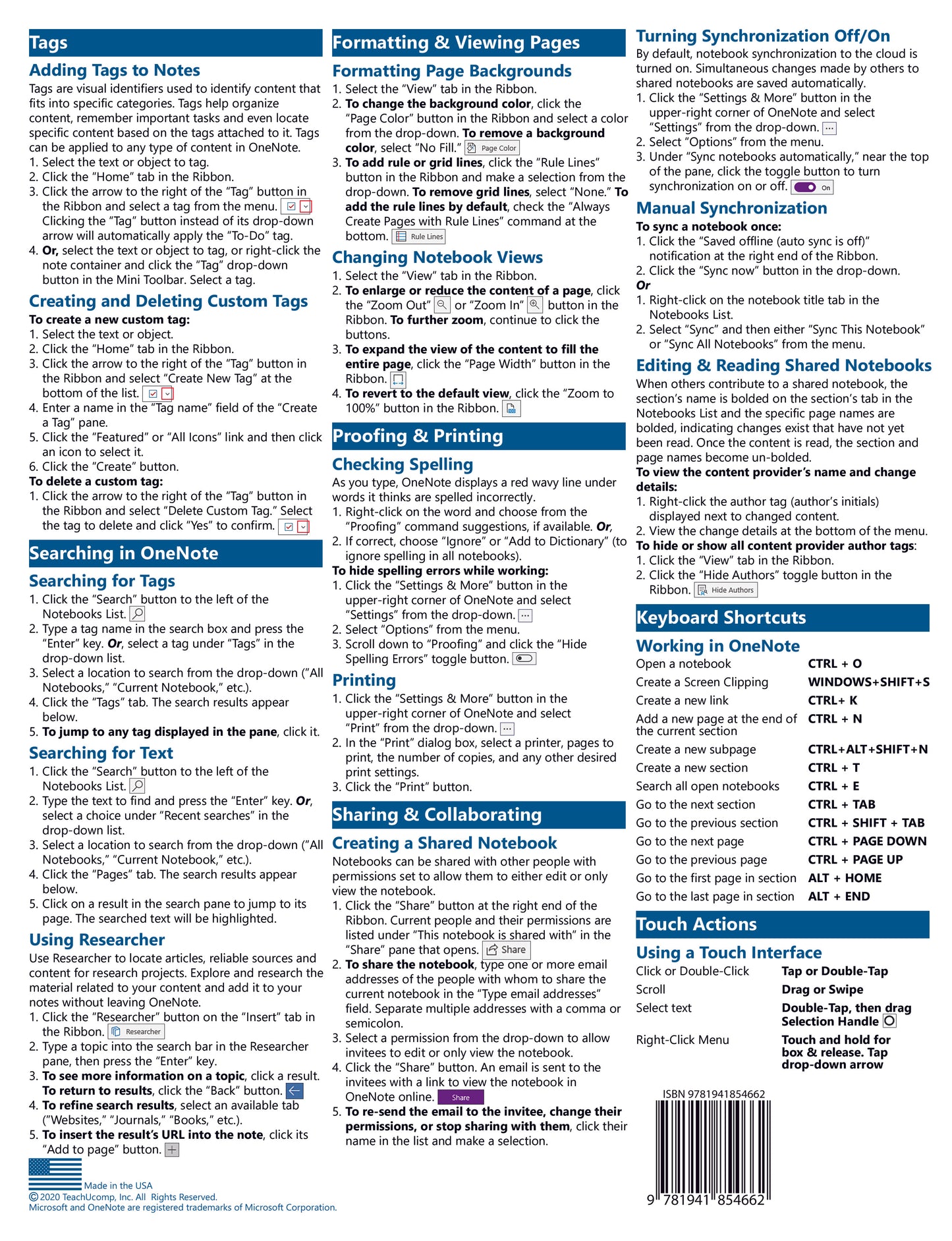
Designed with the busy professional in mind, this 4-page quick reference guide provides step-by-step instructions in OneNote for Windows 10. When you need an answer fast, you will find it right at your fingertips with this Microsoft OneNote for Windows 10 Quick Reference Guide. Clear and easy-to-use, quick reference cards are perfect for individuals, businesses and as supplemental training materials. Includes touch gestures and keyboard shortcuts.
Topics Covered:
Interface Basics
About OneNote
Using the Ribbon
Using Full Screen Mode
Changing OneNote Options
Notebook Management Basics
About Notebook Navigation
Creating New Notebooks
Saving Notebooks
Closing Notebooks
Opening & Navigating Notebooks
Navigating Sections and Pages
Renaming Sections and Pages
Adding a New Section or Page
Deleting a Section or Page
Moving or Copying a Section or Page
Note Creation & Manipulation
Understanding Notes
Creating Text Notes
Copying and Pasting Note Content
Moving Notes on a Page
Deleting Notes
Resizing Notes
Merging Notes
Selecting Multiple Objects
Formatting Text & Paragraphs
Using the Contextual Menus
Formatting Text
Formatting with the Mini Toolbar
Using the Format Painter
Using Undo and Redo
Applying Styles to Text
Clearing All Text Formatting
Changing the Default Font
Changing Paragraph Alignment
Changing Paragraph Indentation
Creating Bulleted and or Numbered Lists
Other Types of Notes
Inserting Screen Snippings
Inserting Printouts from PDFs
Inserting Pictures
Inserting Audio Notes
Adding Hyperlinks & Email Addresses
Attaching Other Types of Files
Sending to OneNote
Other Application Integrations
Inserting Outlook Meetings
Sending Notebook Pages via Mail
Tables
Inserting Tables
Modifying Table Columns and Rows
Formatting Tables & Table Data
Writing Tools
Creating Handwritten Notes & Drawings
Inserting a Shape
Deleting Handwritten Notes & Drawings
Tags
Adding Tags to Notes
Creating and Deleting Custom Tags
Searching OneNote
Searching for Tags
Searching for Text
Using Researcher
Formatting & Viewing Pages
Formatting Page Backgrounds
Changing Notebook Views
Proofing & Printing
Checking Spelling
Printing
Sharing & Collaborating
Creating a Shared Notebook
Turning Synchronization Off/On
Manual Synchronization
Editing and Reading Shared Notebooks
Keyboard Shortcuts
Working in OneNote
Touch Actions
Using a Touch Interface